The Gift of Choice
Last updated: November 15, 2025
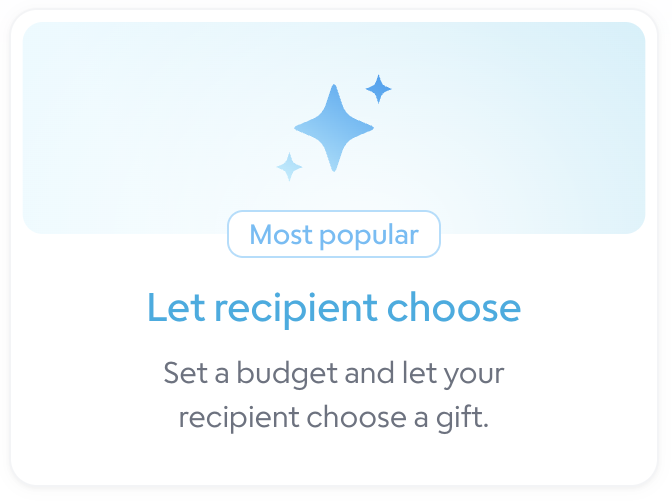
The Gift of Choice is the most popular gift on Goody! To start, you can go to your Send page and select Let Recipient Choose, or view all of our Gift of Choice Options. Important: Only the "Treat Yourself" gift of choice can be used outside of the US.
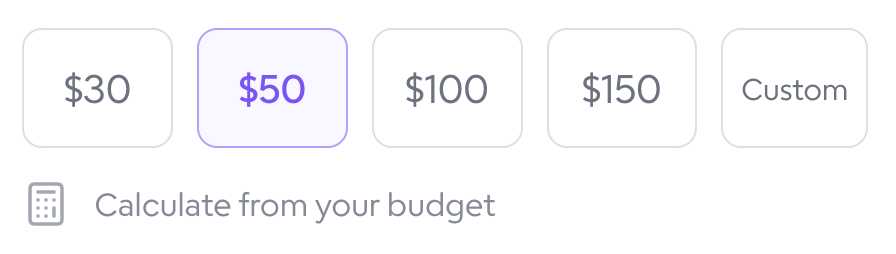
Select the budget for the gift product + shipping. Note that this does not include sales tax or the 5% Goody fee.
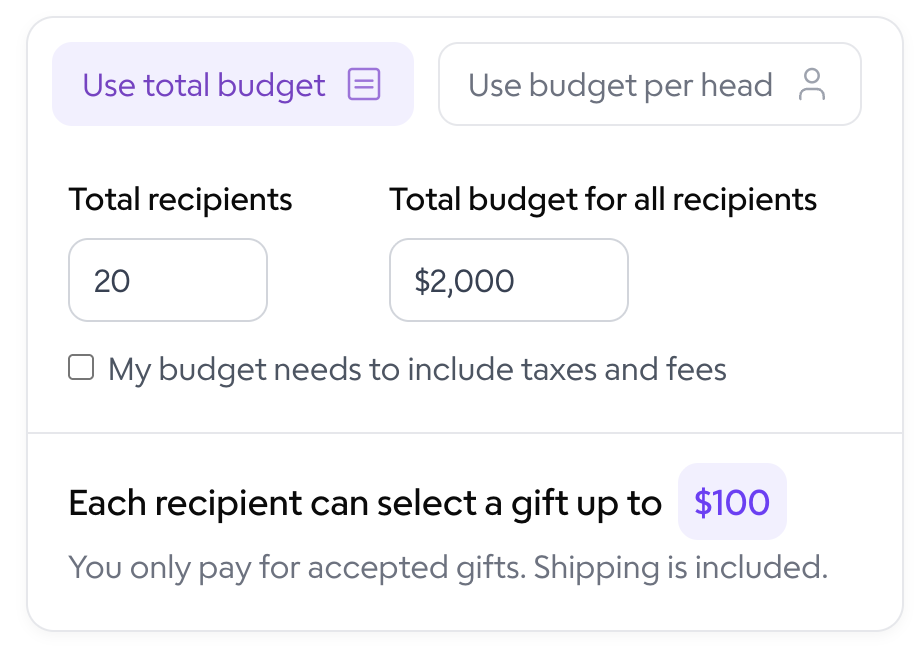
Need help deciding on your budget per gift? Click on Calculate from your budget. Then use the calculator tool to figure out final gift cost.
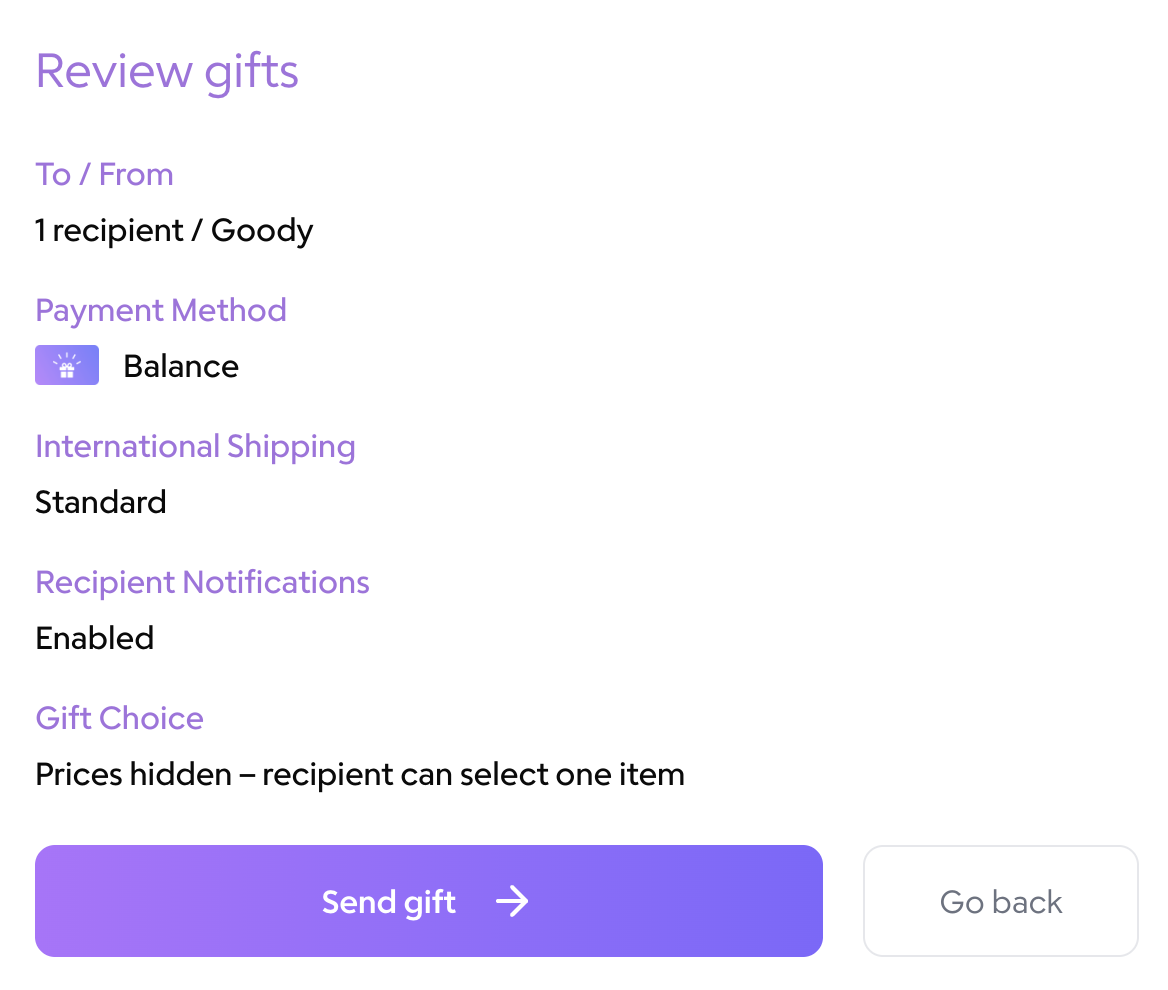
Decide whether to hide pricing and allow recipients to choose one gift, or show pricing and allow recipients to choose multiple gifts.
Choose your international shipping settings. International gift cards do not have any shipping fees. Global gifting for physical gifts can charge up to $55/order for taxes, tariffs, and freight.
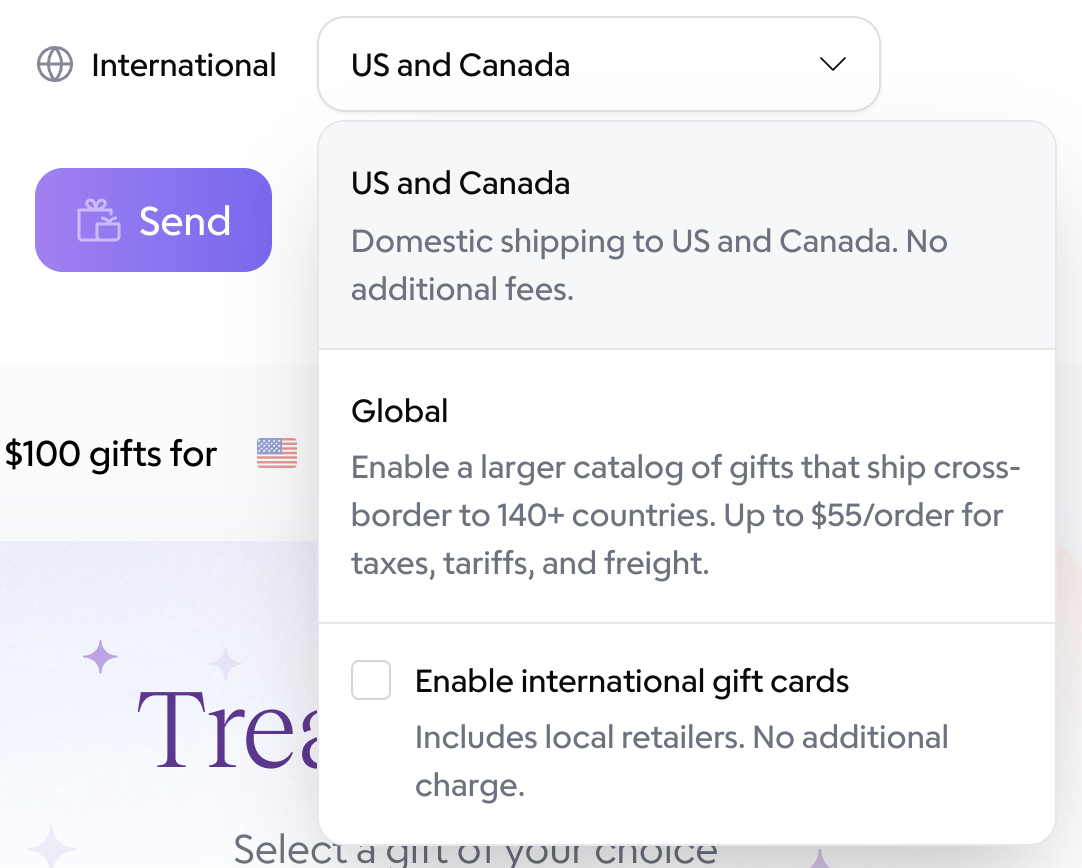
Click Send.
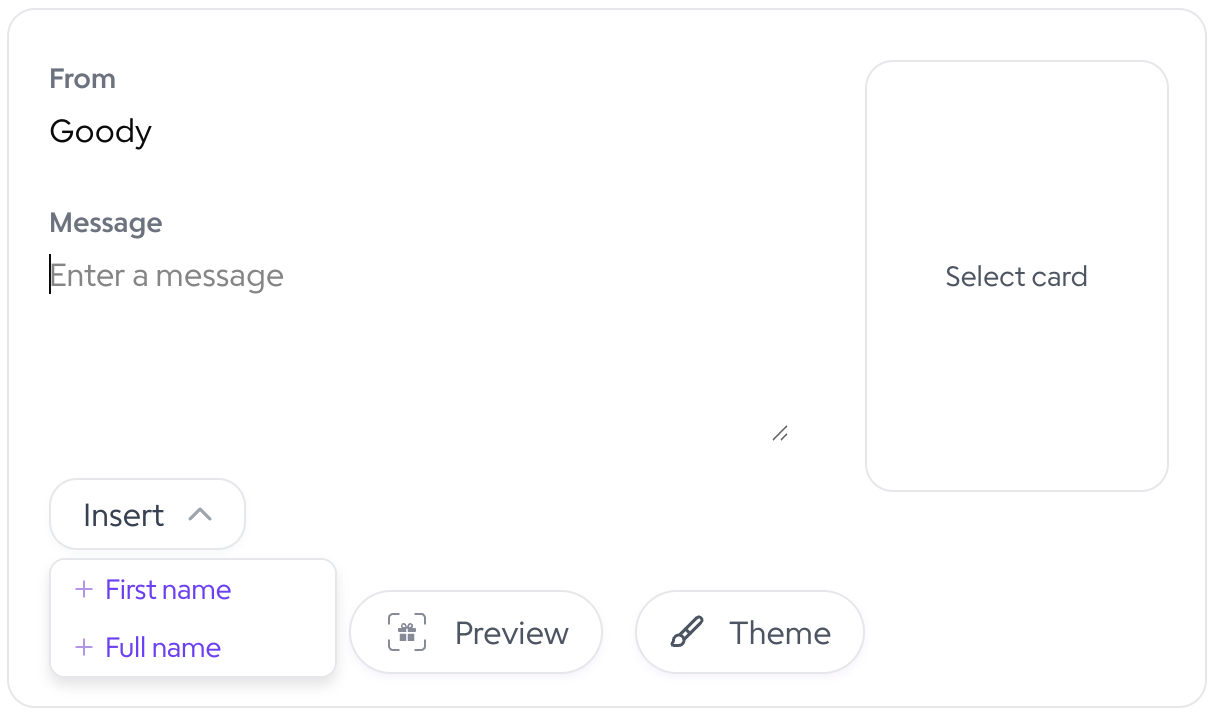
Set up your digital greeting card and message. You can include recipients' first names in the card by clicking "Insert > + First Name". Click on Select card to choose your greeting card. Click the Preview button to preview your gift & card.
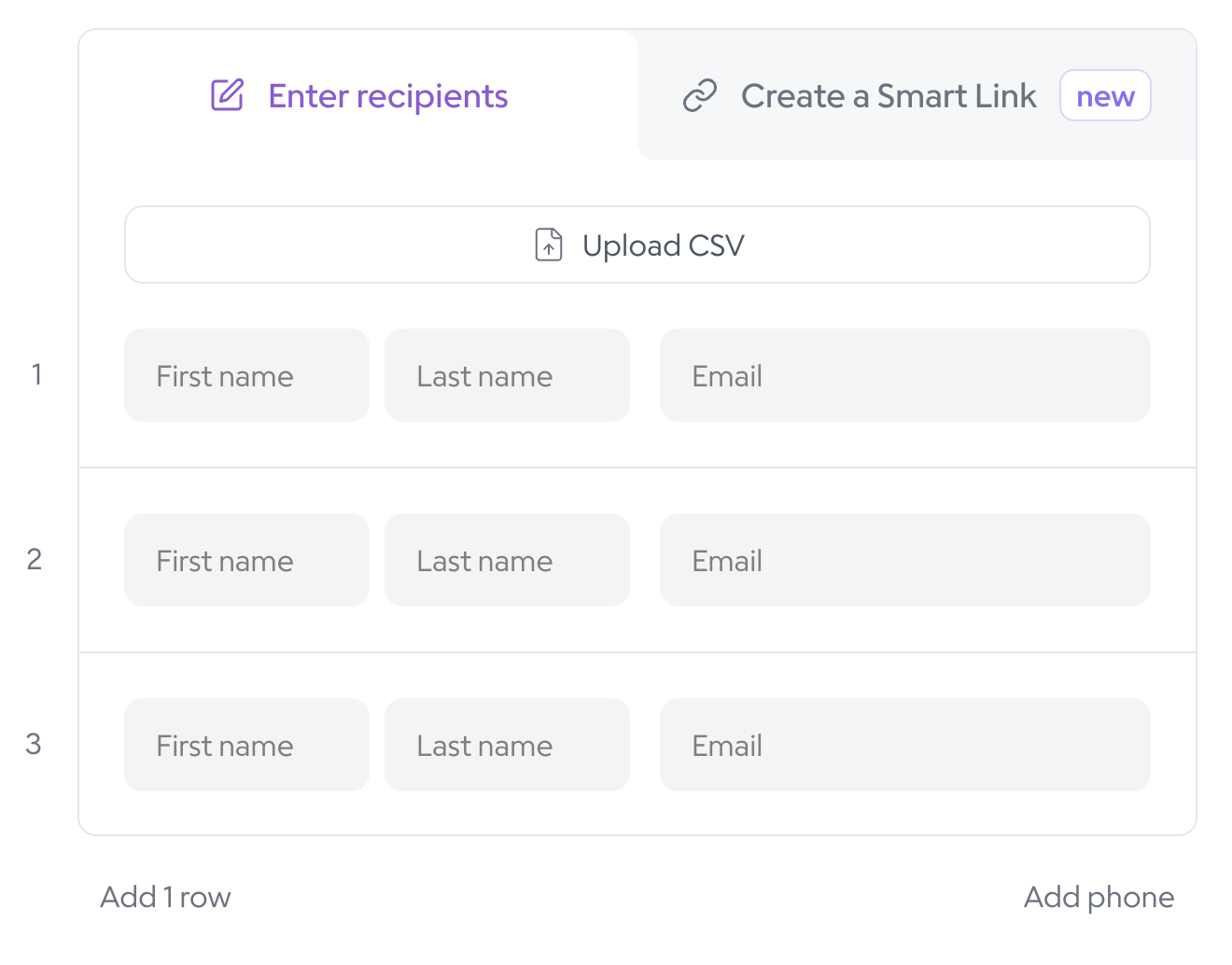
Upload a CSV of your recipient list or manually enter their first name, last name, and email address.
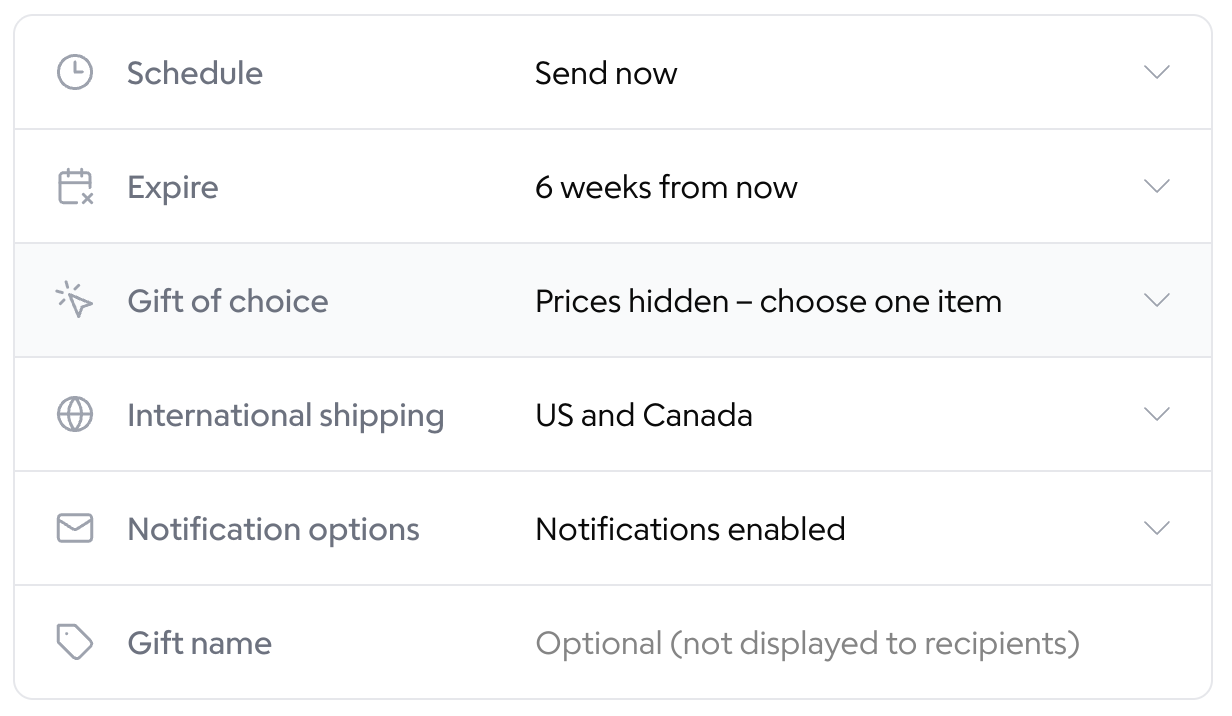
Choose your gift settings. You can schedule gifts to send later and select when they expire. You can turn off notifications if you would like to only send your own link to the gift batch, or connect Gmail to send from your email address.
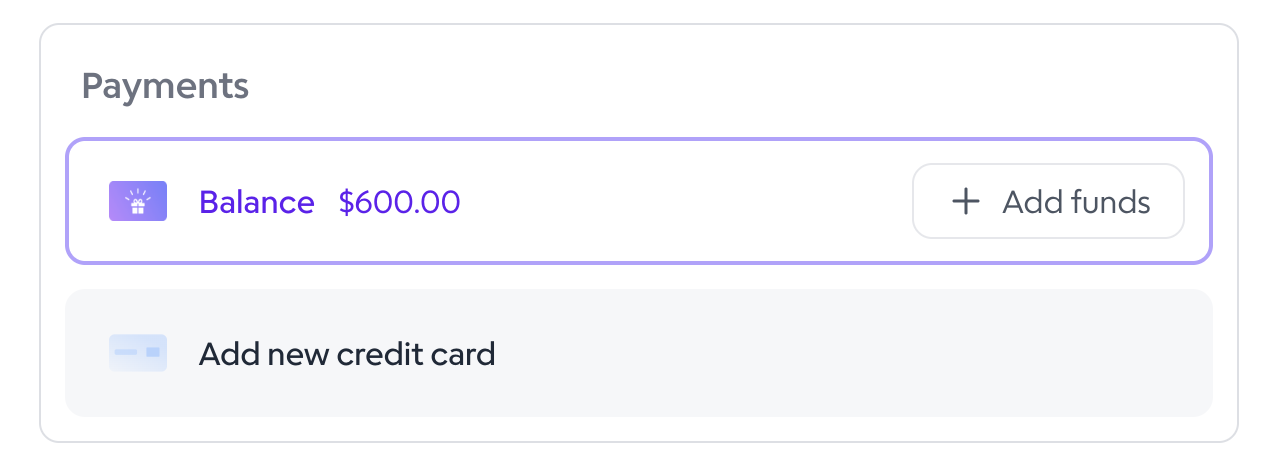
Select your payment method.
Click Review Gift.

Click Send Gift.