Collections - Design your own catalog
Last updated: December 1, 2025
Looking to design your own collection of gifts for recipients to choose between? Our new Collections feature is the perfect option. Your recipients can choose between on-demand branded items, unbranded gifts from our catalog, gift cards, and charity donations.
International collections must be "choose one item", they cannot allow multiple gift selection at this time.
Creating Collections and Adding Products
Click Collections at the top of the page.
Click New Collection.
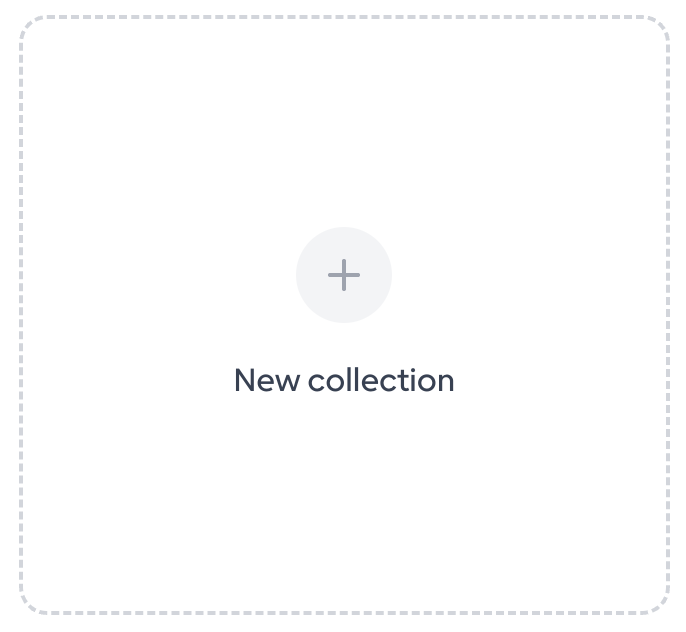
Add a header image (optional). Choose one from our library, or Pro & Teams customers can create custom headers. Recommended header image size is 2752 × 880px.
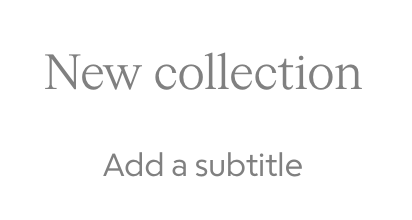
Name your collection by clicking "New collection" and typing in the text area. Optional: add a subtitle.
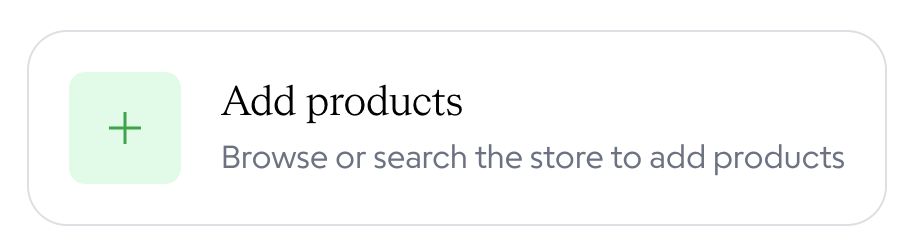
Click Add Products.
If adding custom swag, swag you have already created will be under the Custom filter on the left. Swag ships globally from the US and will incur up to a $55 fee for international recipients.
To add other gifts, we recommend switching to the Product filter and using the price filter at the top of the page to add gifts in your price range.
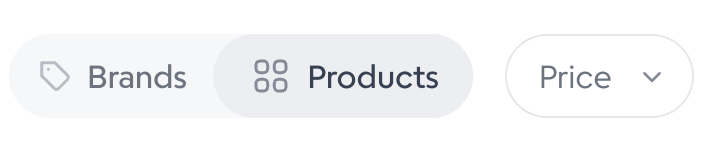
If creating an international Collection, use the country filter in the top right, set to Global for physical gifts ($55/gift fee for taxes/freight will apply). Alternatively, search "country name+gift cards" in the search box to add available gift cards (no additional fee).
Click on the desired item, then click "Add to collection". Repeat with all desired items.

Click Done in the upper right.

Categories, Customization and Settings
Once your products are added, you can add Categories to the store, Customize the branding (for Pro and Teams users) and adjust the Settings.

Categories
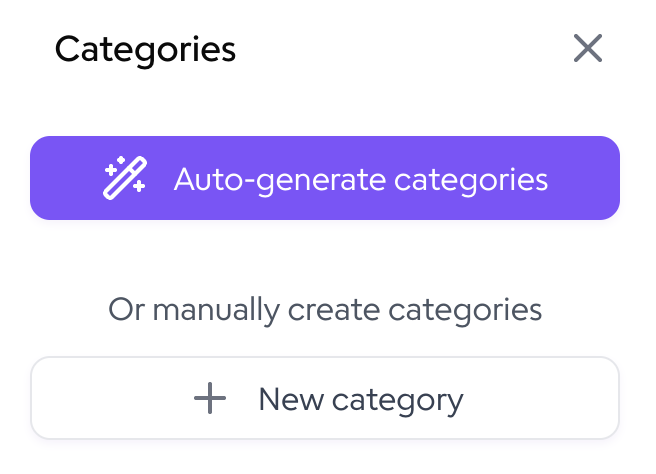
Use AI to auto-generate categories and assign items to categories, or create your own.
Customize
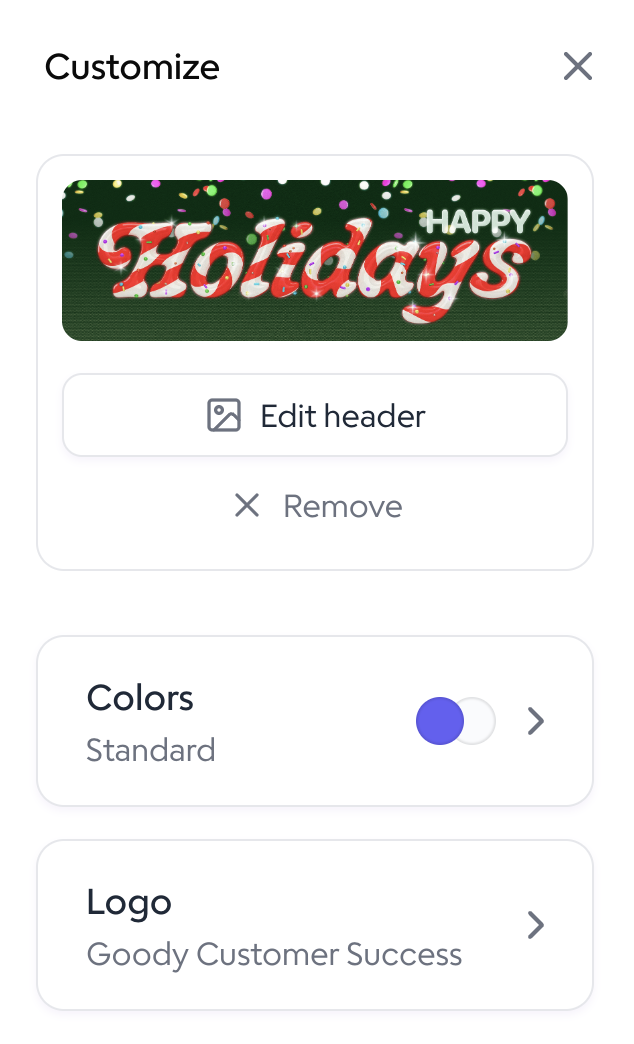
Use the Customize page to adjust your header. Pro & Teams customers can add their color and logos to their Collections. If you have a default color set and logo for the organization, it will automatically be added to your Collections.
Settings
The Settings page allows you to set shipping and multiple gift selection settings.
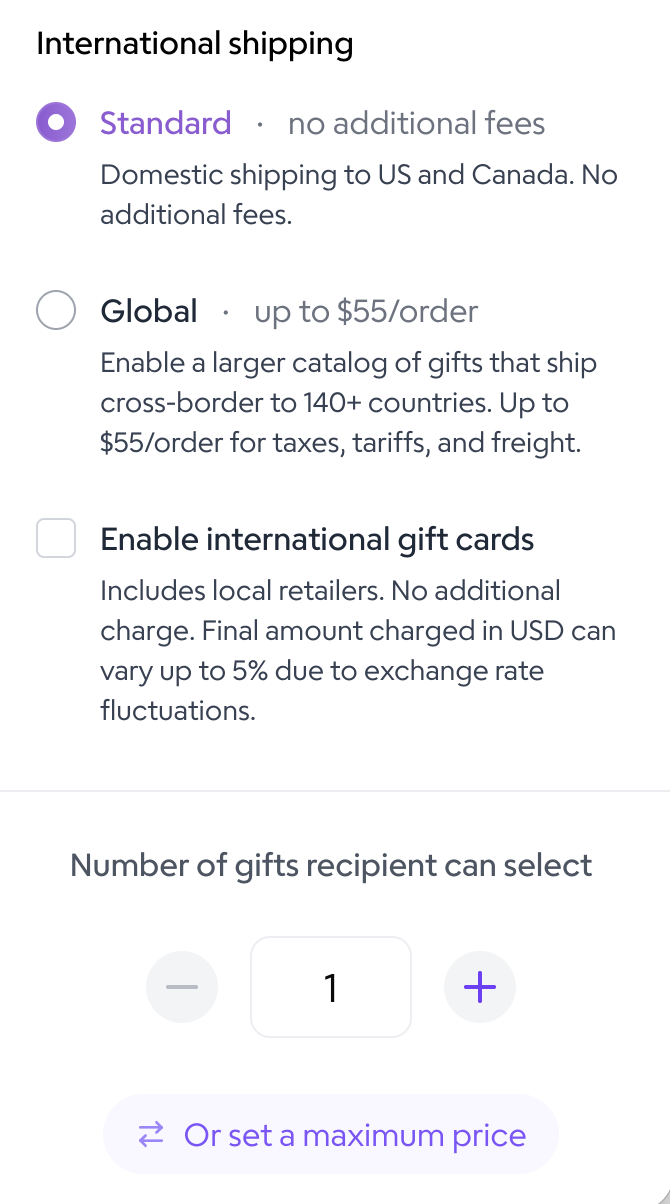
Multiple gift selection options:
Choose one (default): required for international Collections
Choose X# of gifts: allow multiple gift selection up to the set number of gifts, but continue to hide pricing.
Set a maximum price: Show pricing for all items and show the available gift budget to your recipients.
Including On-Demand Swag in Collections
To include branded items in Collections, they need to be created on the platform first. To do so, click on Swag at the top of the page. Then, click on the item you would like to create. Click Customize. Then save the item to your Goody profile.
Once in your Collection, click Add Product. Then, your custom swag will be under the Custom filter on the left.