[Teams] Set up Contact Lists - Rippling
Last updated: November 15, 2025
Important note:
The Rippling Identity & Access Management package is required to integrate with Goody. To learn more about the App management package click here and contact your Rippling representative.
Go to Contacts then click on Connect HR on the left.
Select Rippling.

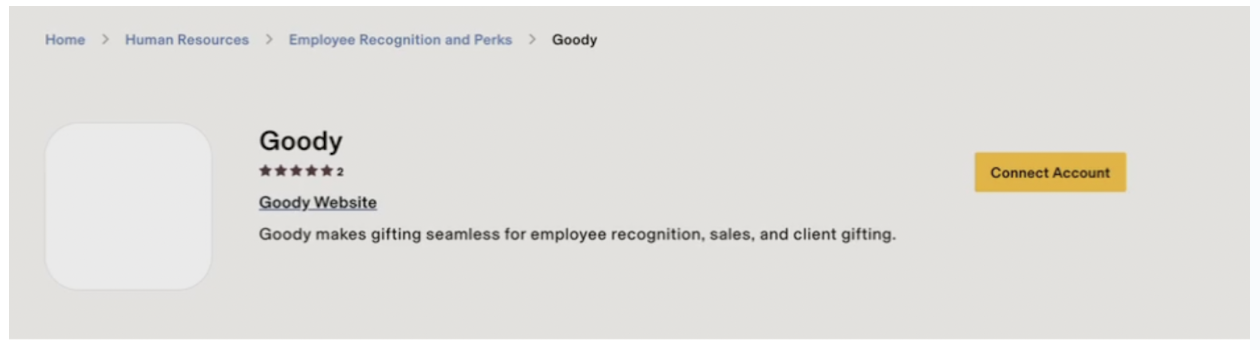
Rippling will open in a new tab. Click Connect Account.
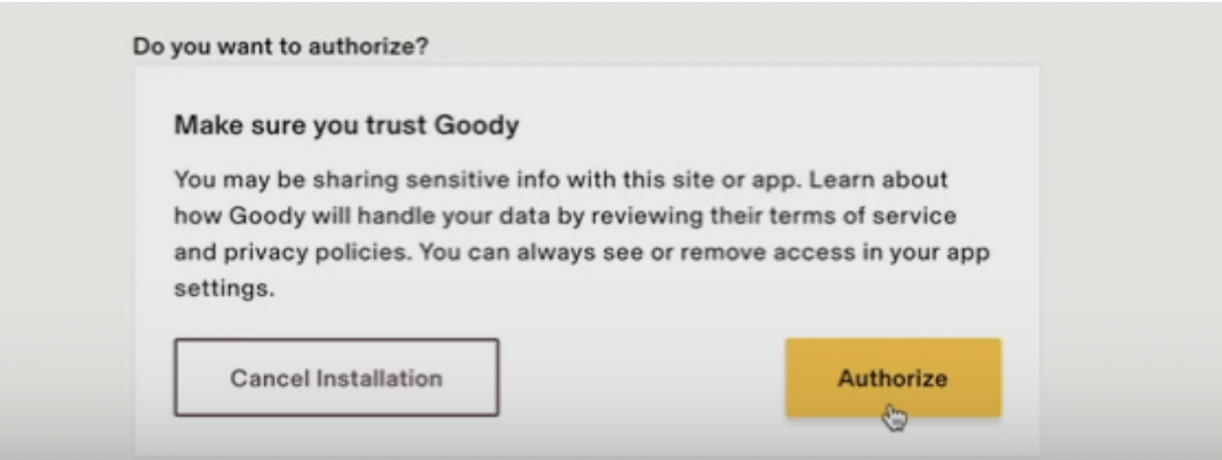
Click Authorize.
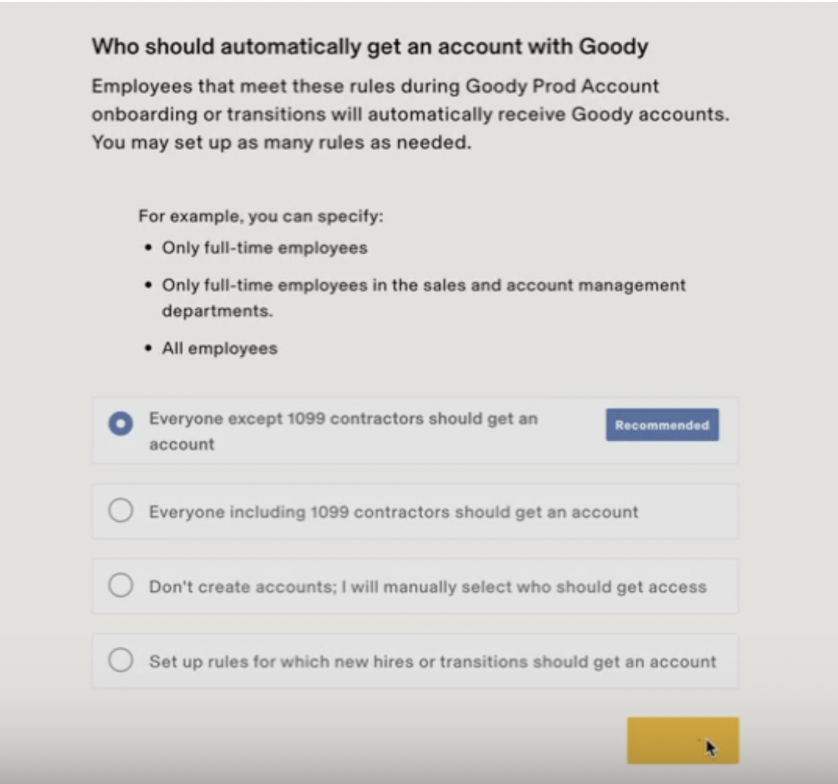
Select either "Everyone except 1099 contractors should get an account" or "Everyone including 1099 contractors should get an account." Note: this will not create Goody accounts, it will just add them to your contact lists for gifts.
Select "As soon as they've signed their offer letter or agreement".
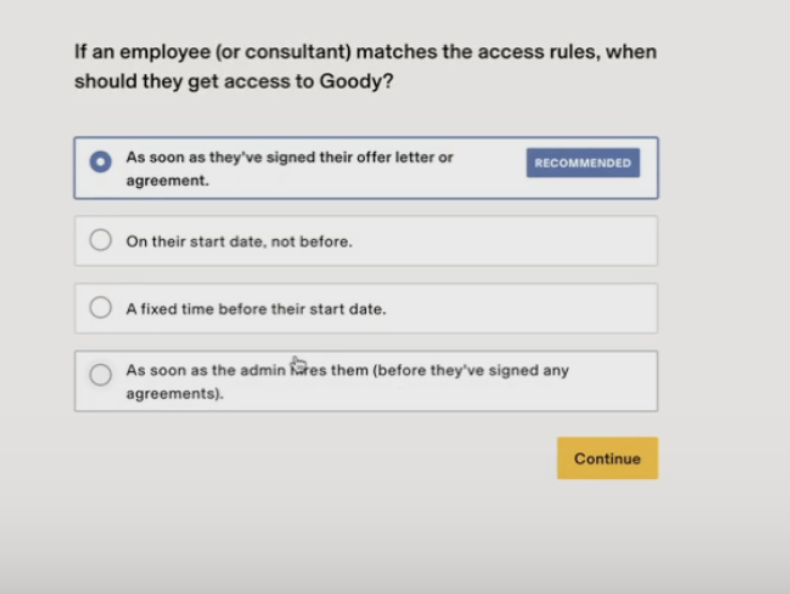
Click Continue.
Go back to your Goody tab.
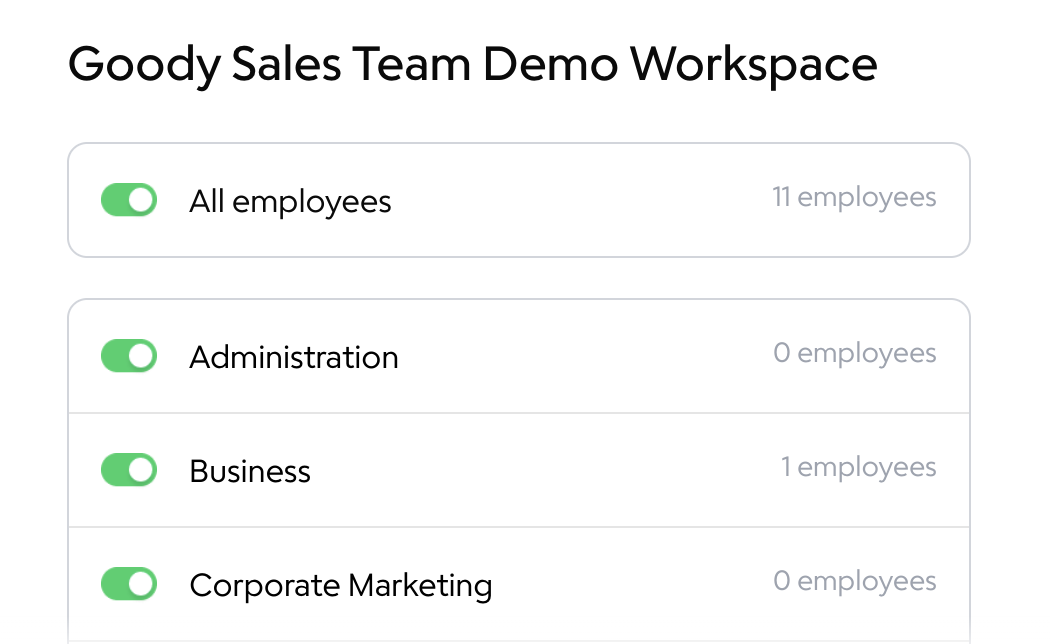
Select the toggles for the teams you will be autogifting to.